
Name-Based Case Searches
MiCOURT Case Search is where a Mackinac County name search starts. Pick the court before you type anything. The form needs a last name or business name of at least two characters. First name, middle name, and birth year just narrow the field. A tight, exact search beats stuffing in details that may not match the court file. So keep your first pass lean.
- Open MiCOURT and choose the Mackinac County court that is likely to own the case.
- Enter a last name or business name with two or more characters.
- Add a first name, middle name, or birth year only when it helps separate similar results.
- Use the public filters, then open the result that matches the court and case details.
- Contact the Mackinac County clerk if the result needs an official history, document, or confirmation.
Treat any match as a lead, not a verdict. A shared name proves nothing by itself. Before trusting a result as the Mackinac County case you want, check the court, the category, the filing information, and the public case history against what you already know.
| Field | Type | Required | Use in MiCOURT |
|---|---|---|---|
| Last or business name | Text | Yes | At least two characters for a name search. |
| First name | Text | No | Helps separate people with the same last name. |
| Middle name | Text | No | An optional extra name field. |
| Birth year | Number | No | Use only as an available narrowing field. |
Note: A blank field is not a promise that MiCOURT searched every public record Mackinac County holds. Leave filters empty only when you mean it.
Mackinac County Court Case Selectors
MiCOURT sorts Mackinac County cases by court, so the selector matters. Enter C11~3 for the 11th Circuit Court of Mackinac County. Enter D92~2 for the Mackinac location of the 92nd District Court. Circuit Court handles felony cases after bindover. It also takes general civil matters. District Court takes traffic civil infractions. It also handles many misdemeanors, small claims, and lower-value civil cases.
- C11~3
- MiCOURT’s selector for the 11th Circuit Court, not a Mackinac County case number.
- D92~2
- MiCOURT’s selector for the Mackinac branch of the 92nd District Court, not a citation or case number.
- PD6-2
- A MiFILE identifier for Mackinac Probate filing destinations, not a public-search number.
Those codes route your search; they are not case numbers. Never paste one into the case-number box. When the division is unclear, the Mackinac County courts directory explains the local court split before you search.
Mackinac County Case Number Searches
A case-number search starts with the number the court actually assigned to the Mackinac County case. MiCOURT requires it. The year and case-type fields are optional. Do not invent a format or fill filters just to complete a form. The number on a notice, court order, or prior case history is the best source. Select the court first, then type the number in the case-number field. Add the case year or type only when a court paper supplies it. If no number exists, go back to the name search. Narrow by court, year, category, or status. The clerk can help identify a file. Include a party name, approximate year, division, and record type in your request. For the official word on public search fields and filters, Michigan’s MiCOURT case-search documentation spells them out.
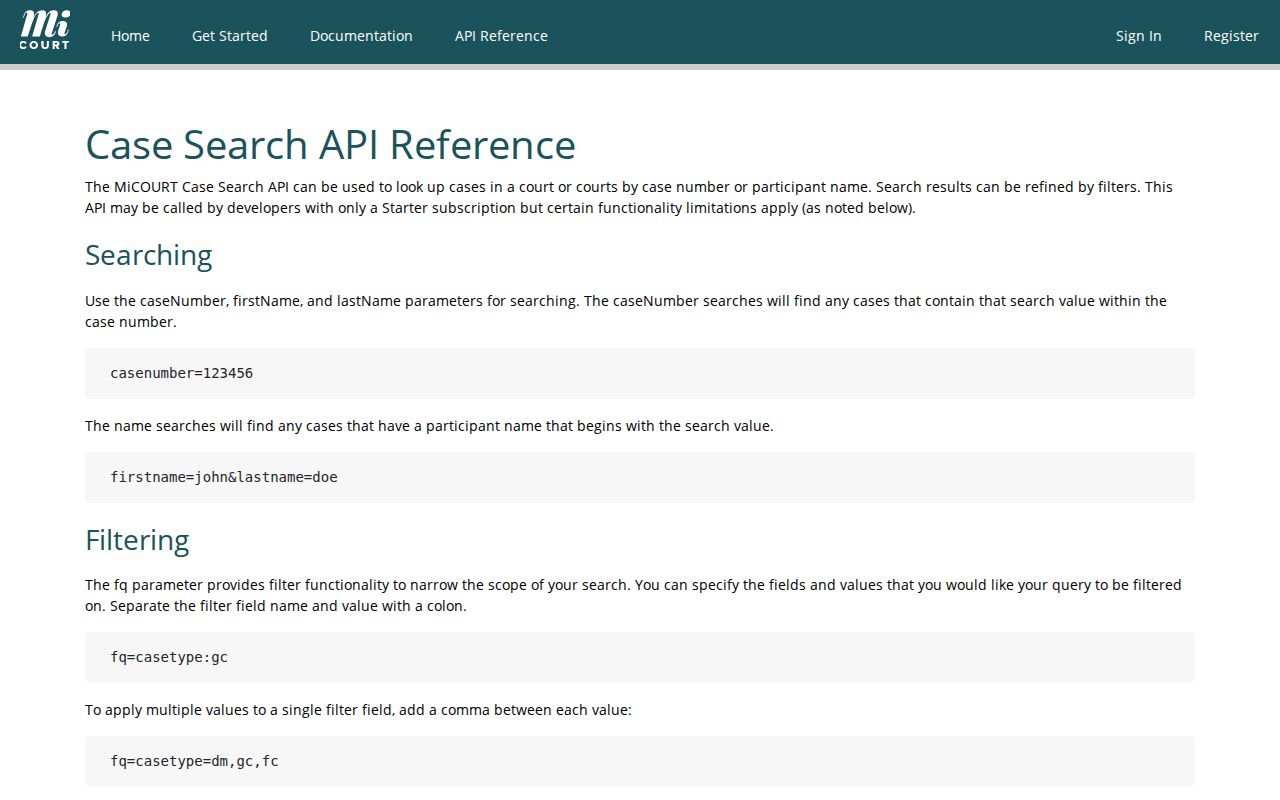
The documentation makes one Mackinac County search rule plain. The court selector and the case number do entirely different jobs.
Mackinac County Case Search Filters
When a Mackinac County name search returns too much, use filters as evidence tools. Do not guess. MiCOURT’s public interface offers status choices such as Open or Pending, Adjudicated or Disposed, and Closed. The supporting documentation also lists filters for category or case type, judge, date ranges, and payment information. Those apply where the public record supplies the data. Start broad so the right file does not vanish. Then narrow by court and one reliable fact, like an approximate filing year or a case category. A closed-status filter does not erase the official record. A payment-related field is no substitute for the full case history. For an older, unclear, or document-specific result, a Mackinac County clerk request remains the sound next step. The MiCOURT’s API v4 reference identifies the official public fields and filters behind this Mackinac County search.
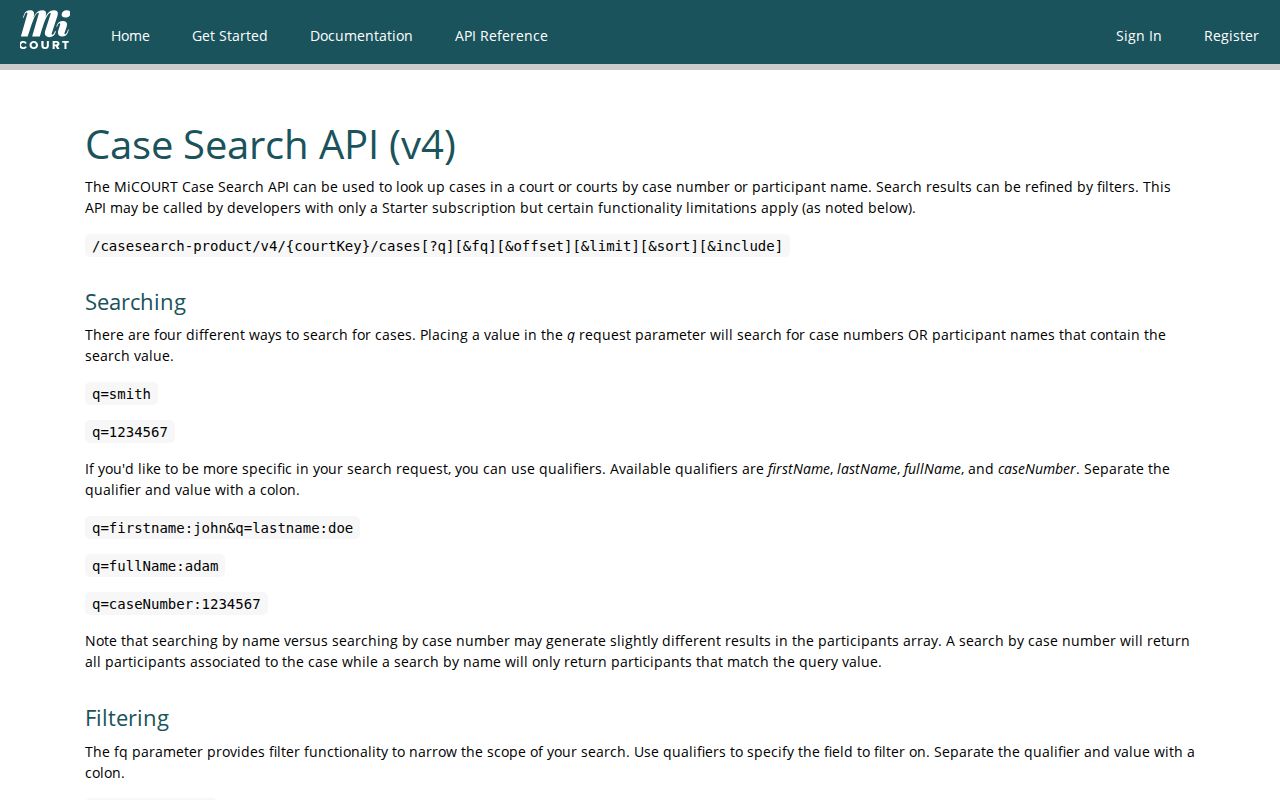
The official API reference explains why each filter changes a result set. It is not an official case file.
Mackinac County Case Search Results
A public Mackinac County result can identify a case. It can open its chronological register of actions, often called the case history. What you see depends on category and access level. The detail may include the case number, filing date, court, caption, status, parties, attorneys, and judge. Events, hearings, public pleadings or orders, disposition, judgment, and public financial fields can also appear. Availability varies.
| Case number | The identifier for the actual Mackinac County case. |
|---|---|
| Filed date and court | Basic routing details that help distinguish a result. |
| Case category and status | Public labels such as civil, criminal, traffic, probate, open, disposed, or closed. |
| Register of actions | Chronological filings, issuances, returns, hearings, and other public events. |
| Public documents | Available only when the system displays them and no restriction applies. |
The online index gives a quick view, but it is not the official record. Treat it as a starting point only. For a confirmed history or a copy, ask the clerk who maintains the Mackinac County case for the register of actions or another named public document.
Mackinac County Case Search and Filing
MiCOURT exists to find public case information. Filing is a separate job. The MiFILE / TrueFiling’s available-court list covers approved electronic filing, and it is not a public document viewer. The listed Mackinac destinations include Probate and 92nd District filing routes, though filing eligibility and document categories control what a participant may submit.
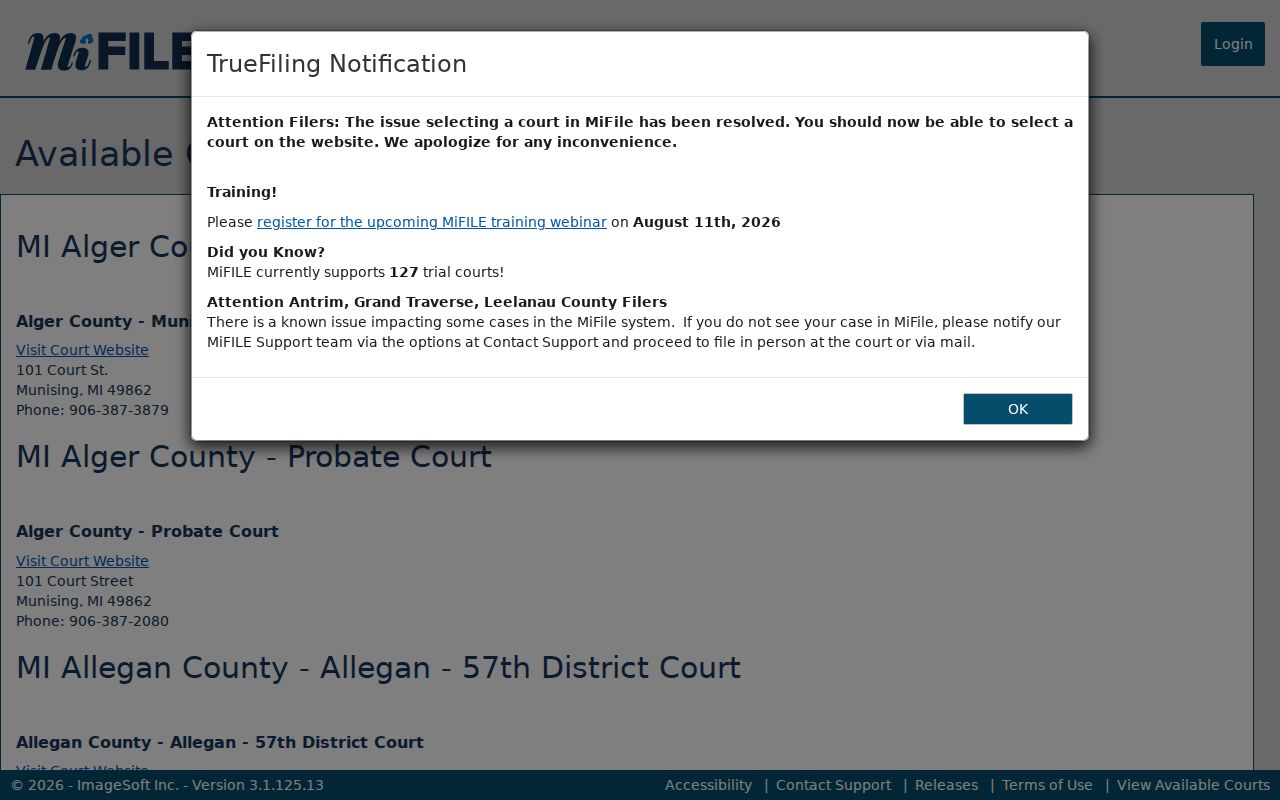
The available-courts screen separates an electronic filing task from a Mackinac County docket search. The MiFILE’s official login notice directs filers to notify support and follow the court’s in-person or mail direction when a case is missing. That does not change the public-search route through MiCOURT or the owning clerk.
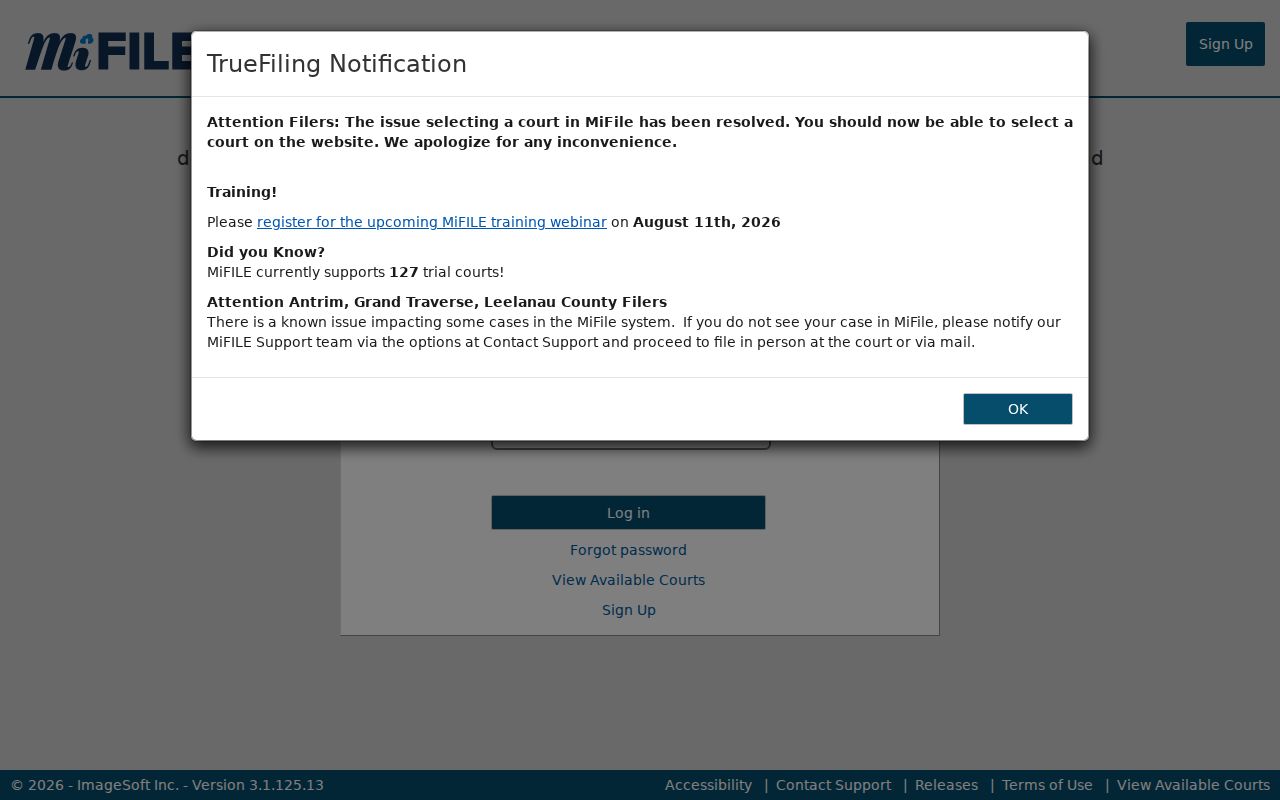
The login notice drives the point home. Filing-account access and public access to a Mackinac County case history are separate things.
Mackinac County and State Case Search
MiCOURT is the statewide public index, and it covers participating Mackinac County courts. It is not the only option, though. The local route runs through the clerk. That clerk owns each case and keeps the official register of actions. Court Display, another state service, works differently. It shows settings by date rather than a full case history.
| Channel | Best use | Limit |
|---|---|---|
| MiCOURT Case Search | Locate a public Mackinac County case by name or number. | Informational index with restrictions and hCaptcha. |
| MiCOURT Court Display | Check a selected public setting date. | Not a full case history; an empty view proves little. |
| Owning clerk | Official register of actions, copy, certification, or access question. | Request details and any payment or delivery direction first. |
Which clerk you call depends on the court, not where you live. The 11th Circuit Court is reached through the Mackinac County Clerk. For the 92nd District Court, ask the District Court clerk.
Mackinac County Case Search hCaptcha
MiCOURT guards its public search with hCaptcha. Expect that step before a Mackinac County docket search finishes. Behavior that looks automated can trigger another verification round. That is also why the service blocks bulk downloading of court records. One more caution: a failed challenge, slow results, or an empty screen does not mean the court file is missing.
Need certainty on a case? Write down the court you selected, your search terms, the rough year, the date of the search, and how many results appeared. Skip sensitive personal details. Then take the question to the owning clerk, who can supply the official register of actions, a specific public filing, or an access answer. The public index and the clerk's file stay separate. The clerk's copy is the one that counts.
Note: MiCOURT is a public service. The clerk remains the source for an official Mackinac County court record.
Mackinac County Case Search Logs
Keep a short log of each Mackinac County docket search. Note the date and the court selector. Write the name or case number you typed, the approximate year, the result count, and the source. Leave out full birth dates, addresses, juvenile names, and any other protected identifier.
That log earns its keep later. A clerk sorting same-name results will ask for exactly those details. A search interrupted by hCaptcha can be repeated cleanly. A Court Display setting can be confirmed on a second pass. Treat the note as your own aid. It never becomes part of the court file.
Restricted Mackinac County Cases
Not every Mackinac County case shows up in public search results. MiCOURT excludes adoptions. It also bars juvenile and child-protective proceedings, juvenile guardianships, mental illness matters, personal protection orders, parental waivers, name changes, wills, and other protected categories. Court rules, statutes, protective orders, seals, and redaction rules can also matter here. They can keep a docket off public display. When a case number turns up nothing, the record may simply be restricted.
Access rule: MCR 8.119 governs Michigan court case files and public inspection. A clerk may correctly respond that no public record exists for a nonpublic file, which is not a finding that the court never held a case.
Sealed files are not fully invisible in Mackinac County. A court may still post limited public orders or opinions even when the case file itself is closed. Adoption and juvenile records face their own restrictions under separate rules. If a docket entry will not load, ask the court that owns the record. The same goes when a case lookup returns nothing. Retrying spellings or running the same search over and over rarely helps. The Mackinac County court search has one clear strength: finding public cases. It is not for guessing at protected facts.